- Malik Logix
- Posts
- Zapier Make N8n
Zapier Make N8n
A direct comparison of the three leading automation platforms — with clear recommendations by use case and team size.

Malik Farooq
March 21, 2026

Deep Dive
Table of Contents
- The Quick Answer
- Zapier: The Market Leader That Costs You
- Make: The Visual Sweet Spot
- n8n: The Developer's Choice
- Side-by-Side Feature Comparison
- Real Pricing at Scale
- Which Tool for Which Team
- AI Integration: How Each Platform Handles It
- Tools Used in This Comparison
- Final Recommendation
Quick Decision
Non-technical team? Start with Make. Developer building AI workflows? Go straight to n8n (self-hosted). Need 6,000+ integrations today? Zapier. Price at scale almost always favors Make or n8n.
6,000+Zapier integrations
I've built client workflows on all three platforms. I have opinions. Here they are, without the vendor bias.
The Quick Answer
- Your team isn't technical and needs something working today → Zapier
- You want visual control without writing code → Make
- You're a developer who wants AI-native workflows and real economics → n8n
If you're an agency or developer building for clients, the answer is almost always n8n for your own infrastructure, and Make for clients who want visual tools they can manage themselves.
Zapier: The Market Leader That Costs You
Zapier is the most polished, most recognized, and most expensive automation platform. Its biggest advantage is breadth — 6,000+ integrations means almost anything you need is already connected.
What Zapier does well:
- Non-technical team members can build workflows in under an hour
- Integrations are maintained and reliable
- Customer support is responsive
- Zapier AI (their chatbot workflow builder) is getting genuinely useful
Where Zapier fails:
- Pricing escalates brutally at scale. 50,000 tasks/month costs $99-199/month
- Complex conditional logic requires convoluted workarounds
- Data transfer cap of 2MB per step (Make allows 500MB)
- Error handling is primitive — when something fails, debugging is painful
- AI integration is bolted on, not native
Verdict: Zapier is the right choice for small teams doing simple integrations who don't want to touch configuration files. It's the wrong choice for anyone doing anything with AI, complex data transformation, or high task volumes.
Make: The Visual Sweet Spot
Make (formerly Integromat) sits perfectly between Zapier's simplicity and n8n's power. The canvas-based workflow builder is genuinely excellent — you can see complex logic, loops, and error handlers at a glance in a way that Zapier's linear step view can't match.
What Make does well:
- Visual builder is the best in class for complex workflows
- Handles 500MB data per operation — critical for processing documents or large API responses
- Router modules for complex conditional branching
- Iterator and aggregator modules for working with arrays and collections
- 20% recurring affiliate commission (disclosure: this is one of my affiliate partners)
- Pricing is significantly more reasonable than Zapier at scale
Where Make falls short:
- No self-hosting option — your data stays on Make's servers
- AI integration requires HTTP modules rather than native AI nodes
- At very high task volumes, n8n self-hosted is still cheaper
- Slower to iterate than n8n for developers who want code-level control
Verdict: Make is my recommendation for clients and non-developer teams who need more than Zapier but don't want to self-host. It's also where I send people who want a good affiliate-friendly tool recommendation — the 20% recurring commission structure makes it worth recommending honestly.
n8n: The Developer's Choice
n8n is the only open-source option in this comparison, and that alone changes the economics entirely. Self-hosted on a $12/month Hostinger VPS, n8n's marginal cost per workflow execution is essentially zero.
What n8n does well:
- Self-hosting: your data, your infrastructure, your rules
- Native AI nodes for Claude, GPT-4, Ollama, and more
- Full JavaScript execution inside workflow steps
- HTTP module that handles any API without waiting for a native integration
- AI Agent node that can use tools, make decisions, and loop
- Active open-source community, 400+ native integrations growing fast
Where n8n falls short:
- Setup requires technical knowledge (Docker, server management)
- Fewer pre-built integrations than Zapier (though HTTP covers the rest)
- UI is dense — non-technical users will find it overwhelming initially
- Cloud version ($20/mo) is good but still not as polished as Zapier/Make for non-developers
Verdict: n8n is the right choice for developers, agencies building internal tools, and anyone running AI-powered automation at scale. The operational leverage of self-hosting is enormous once you understand it.
Side-by-Side Feature Comparison
| Feature | Zapier | Make | n8n |
|---|---|---|---|
| Open source | ❌ | ❌ | ✅ |
| Self-hostable | ❌ | ❌ | ✅ Free |
| Visual canvas | ⚠️ Linear only | ✅ Excellent | ✅ Good |
| Native AI nodes | ⚠️ Limited | ❌ Via HTTP | ✅ Built-in |
| Custom JavaScript | ❌ | ❌ | ✅ Full |
| Data per step | 2MB | 500MB | Unlimited |
| Error handling | ⚠️ Basic | ✅ Good | ✅ Excellent |
| Native integrations | 6,000+ | 1,000+ | 400+ |
| Non-technical friendly | ✅ Best | ✅ Good | ⚠️ Technical |
| AI agent workflows | ⚠️ Basic | ⚠️ Via HTTP | ✅ Native |
Real Pricing at Scale
The pricing comparison that matters — at 10K, 50K, and 100K tasks per month:
| Volume | Zapier | Make | n8n Cloud | n8n Self-hosted |
|---|---|---|---|---|
| 10K tasks/mo | $49 | $16 | $20 | $5-15 (server) |
| 50K tasks/mo | $99 | $29 | $50 | $5-15 (server) |
| 100K tasks/mo | $199 | $65 | $120 | $5-15 (server) |
| 500K tasks/mo | $599+ | $159 | Custom | $10-20 (server) |
At 50K tasks per month, self-hosted n8n saves you $84-94/month vs Zapier. That's over $1,000/year. Over five years, it's meaningful money.
Which Tool for Which Team
Small business, non-technical: Zapier. The simplicity is worth the price for low volumes.
Marketing/operations team that wants visual workflows: Make. Best ROI for moderate complexity.
Developer or technical agency: n8n self-hosted. Best economics, best AI integration.
Enterprise with compliance requirements: n8n self-hosted or Make. Avoid sending sensitive data through Zapier's infrastructure unless you've reviewed their enterprise agreements.
Building for clients: Use Make for client-facing tools they can manage. Use n8n for your own automation backend.
AI Integration: How Each Platform Handles It
This is where the gap is widening fastest:
Zapier AI: A chatbot that can help you build Zaps and some AI processing steps. Functional but limited. Feels like AI was added, not designed in.
Make + AI: You use HTTP modules to call OpenAI, Claude, or any AI API. Works, but requires more setup. No native understanding of AI concepts like tool use or multi-step reasoning.
n8n AI Agent: A native node that can plan, use tools, call APIs, loop based on outputs, and maintain conversation context. This is purpose-built for agentic AI workflows — having Claude research a lead, decide what data to add, then write and send a follow-up email, all in one workflow, without any manual steps. This is genuinely ahead of where Make and Zapier are today.
Tools Used in This Post
- Zapier — Easiest onboarding, most integrations, most expensive at scale
- Make.com — Best visual builder, 20% recurring affiliate program, mid-range pricing
- n8n — Open source, self-hostable, best for AI workflows and developers
- Claude API — AI backbone for n8n's AI nodes
- Hostinger VPS — Self-host n8n for under $10/month
Conclusion
If you're starting fresh in 2026 and you have any technical capability at all, start with n8n. The self-hosted economics are too good to ignore, the AI integration is the best available, and the community is large enough that you'll find workflows for almost anything you want to build.
If you're a non-developer or you need to hand workflows off to a less technical team, Make is the honest recommendation — better visual tools than Zapier, better pricing, and a good support ecosystem.
Use Zapier when integration breadth is the primary constraint and cost is genuinely secondary. That situation is rarer than Zapier's marketing would suggest.
Ready to master AI?
Join 1,000+ professionals getting the edge in AI marketing. 3 minutes a day to 10x your growth.
Join Free NowKeep reading

Agentic AI Governance Enterprise Readiness
Explore Google's innovative agentic AI governance platform and assess whether enterprises are truly prepared for the shift towards autonomous AI systems.
Malik Farooq/

AI Agents Interaction Infrastructure
Explore why AI agents require robust interaction infrastructure to prevent automation waste and ensure efficient, secure, and compliant operations in enterprise environments.
Malik Farooq/
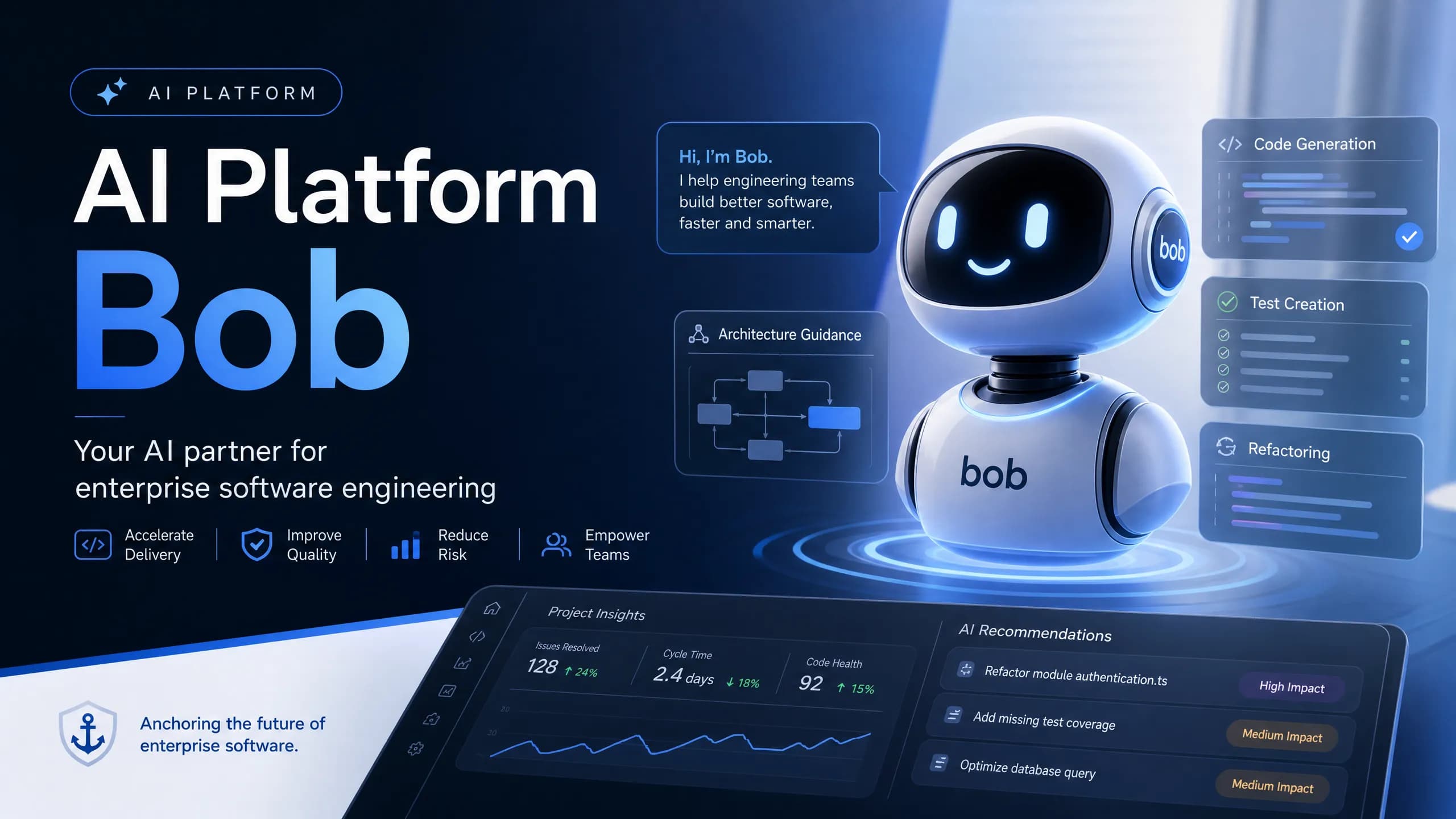
AI Platform Bob: Revolutionizing SDLC Cost Regulation
Discover how IBM's AI platform Bob is transforming software development lifecycle (SDLC) governance and cost regulation for enterprises.
Malik Farooq/
Back to archive
Share